All races
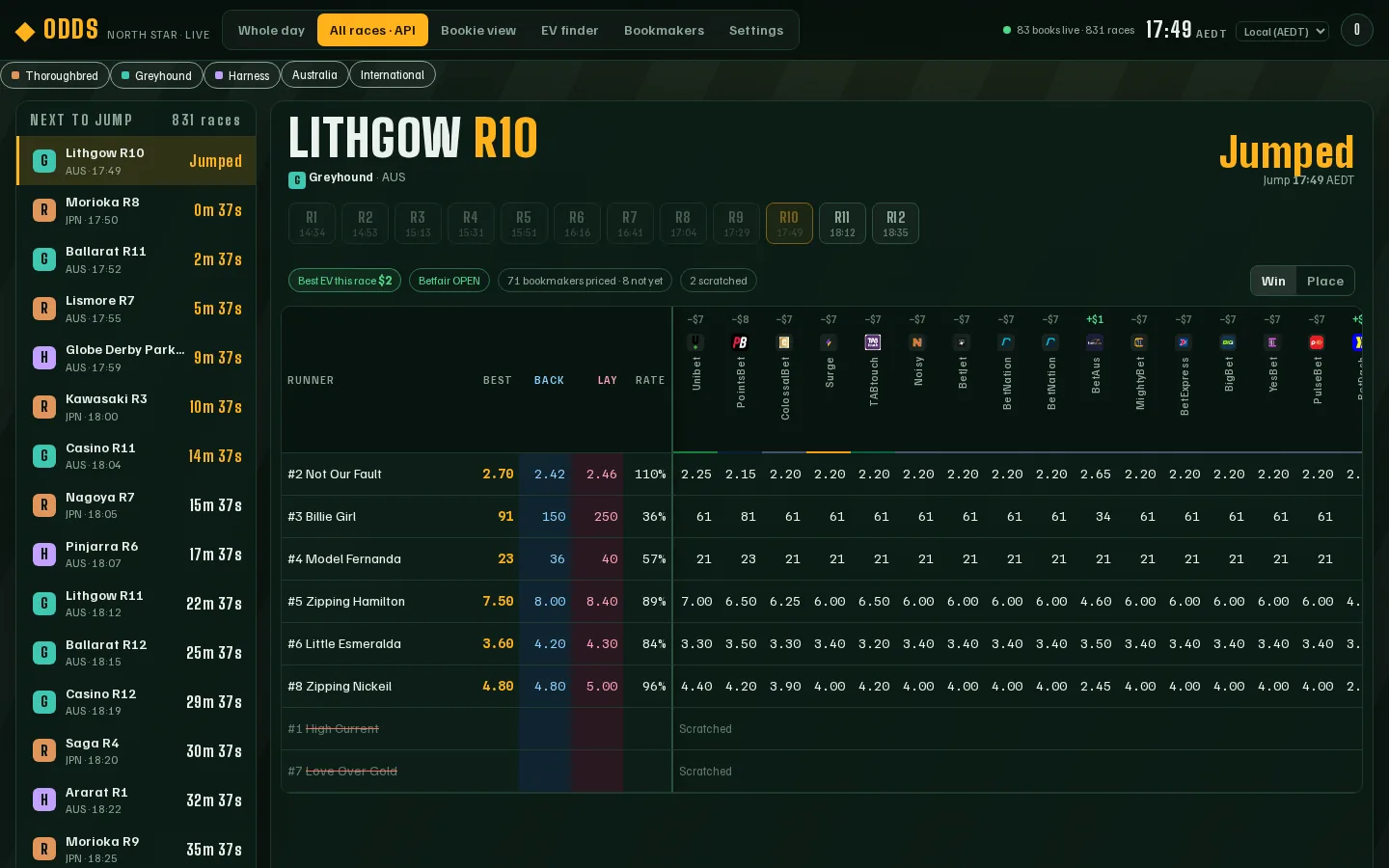
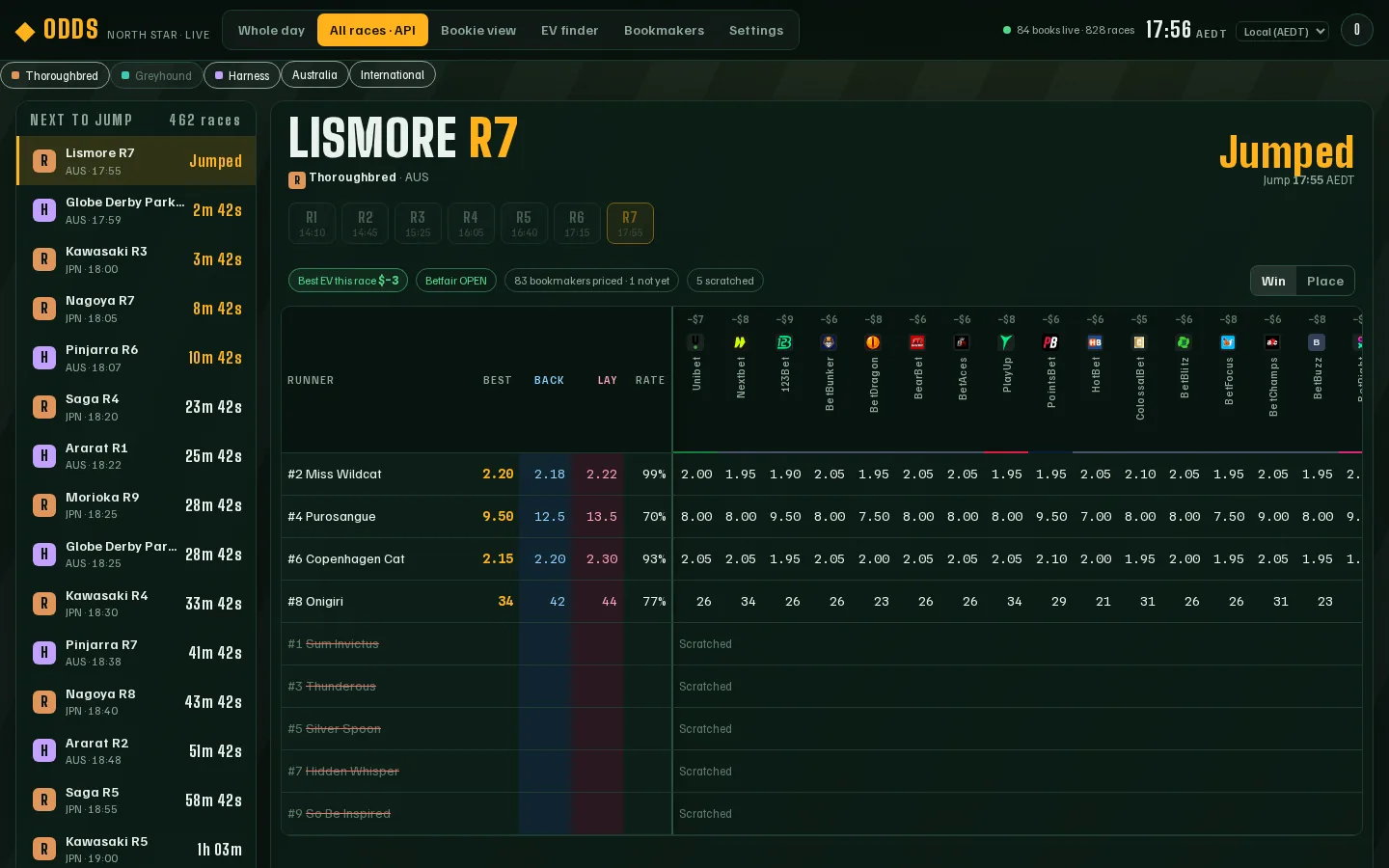
What it is: the All races · API tab. A list of races down the left (next to jump first) and the race you picked on the right.
Why it helps: you can flick from race to race quickly without going back to the timeline. (It shows the same prices our API sends — that’s why “API” is in the name. You don’t need to use the API.)
Switch races
Section titled “Switch races”- Click any race in the Next to jump list. The countdown shows how long until it jumps.
- Or use the R1, R2, R3… buttons above the grid to move around the same meeting.
Filter what you see
Section titled “Filter what you see”The buttons under the tab bar choose what you see. They all start lit up (shown). Click one to hide that kind of race; click it again to bring it back.
| Filter | Shows |
|---|---|
| Thoroughbred (R) | Horse racing. |
| Greyhound (G) | Dogs. |
| Harness (H) | Trots and pacers. |
| Australia | Australian meetings only. |
| International | Overseas meetings (Japan, UK, USA and more). Prices still come from Australian-licensed bookies plus Betfair. |
Odds compares prices only. It is not a bookmaker, takes no bets and does not tell you what to back. Prices come from licensed Australian bookmakers' public sites and can change at any moment; always check the price with the bookmaker before you bet.
18+ · Chances are you're about to lose. For free and confidential support call 1800 858 858 or visit gamblinghelponline.org.au